SpinShark UK Guide
Mobile guide
SpinShark Mobile Casino
 Available in GB
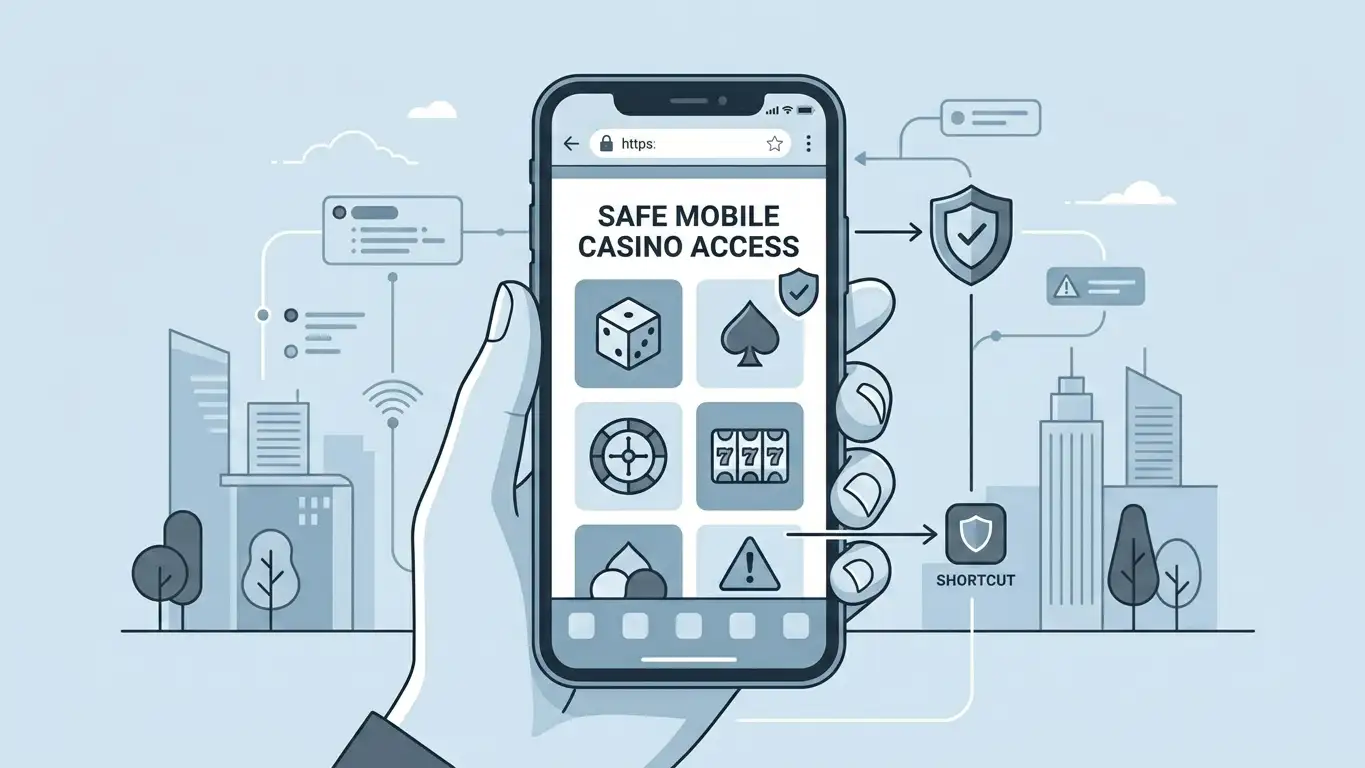
SpinShark works as a mobile-browser casino with PWA-style access, while no verified native iOS App Store or Google Play app is part of the current source set. UK readers should use the official site in a mobile browser, not unofficial APK pages or third-party download claims. On mobile, the practical checks are simple: the game lobby should remain usable, live casino streams should fit the screen, the cashier should show the same account currency and payment ownership rules, and verification documents should be uploadable through the account area when requested. Treat “SpinShark app” search results carefully because many pages use app language for a browser shortcut.
Browser-first answer to the app question
The core answer is that SpinShark’s verified mobile route is browser and PWA-style access. A PWA-style shortcut can make a website feel app-like from the home screen, but it is not the same as a native iOS or Android application distributed through the official app stores. That distinction protects readers from sideload pages, cloned app names and download claims that are not backed by a current official source.
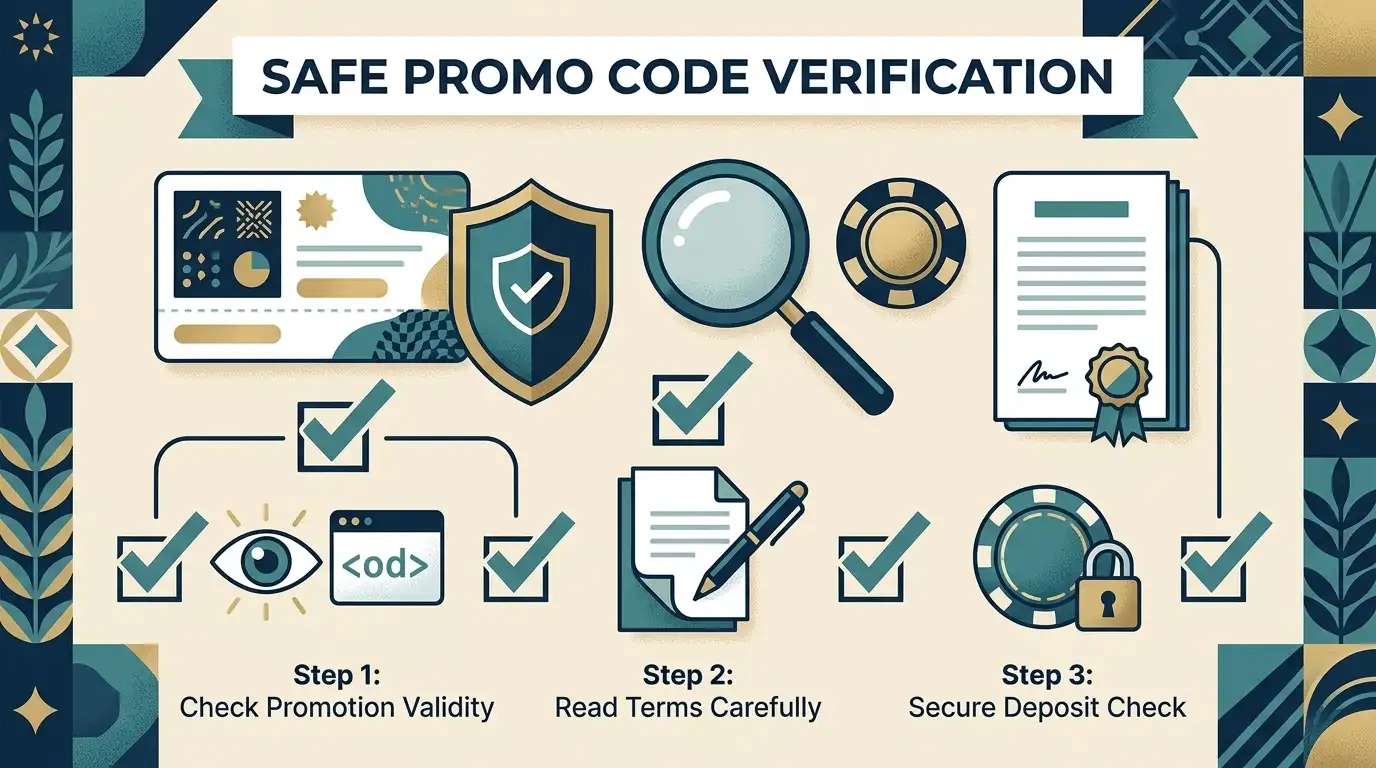
Use a fresh browser session, type the official domain yourself and check whether the account, cashier and game lobby work correctly on the device. Do not search for an APK, do not install from a file-sharing page, and do not treat a similarly named “Shark” or “Spin” casino app as SpinShark unless the source can be tied directly to the brand.
| Question | Current editorial answer | Reader action |
|---|---|---|
| Can I play on a phone? | Yes, mobile browser/PWA-style access is verified. | Open the official site in Safari, Chrome or another mainstream mobile browser. |
| Is there a native app? | No verified native iOS or Android app is used for this guide. | Avoid unofficial App Store, Google Play or APK claims unless SpinShark itself verifies them. |
| Does mobile replace account checks? | No. Payments, KYC and bonus rules still apply. | Read the cashier and account messages before depositing or withdrawing. |
How to set up SpinShark safely on mobile
- Use the official site: enter the known SpinShark address directly rather than clicking a download advert.
- Keep the browser updated: an old mobile browser can break payment screens, live streams or document upload controls.
- Save only a browser shortcut: if you use an Add to Home Screen option, treat it as a website shortcut, not a separate app-store product.
- Check the padlock and domain: phishing pages often copy casino colours and app wording while changing the address.
- Avoid shared devices: do not save casino passwords on a phone that family, colleagues or public users can access.
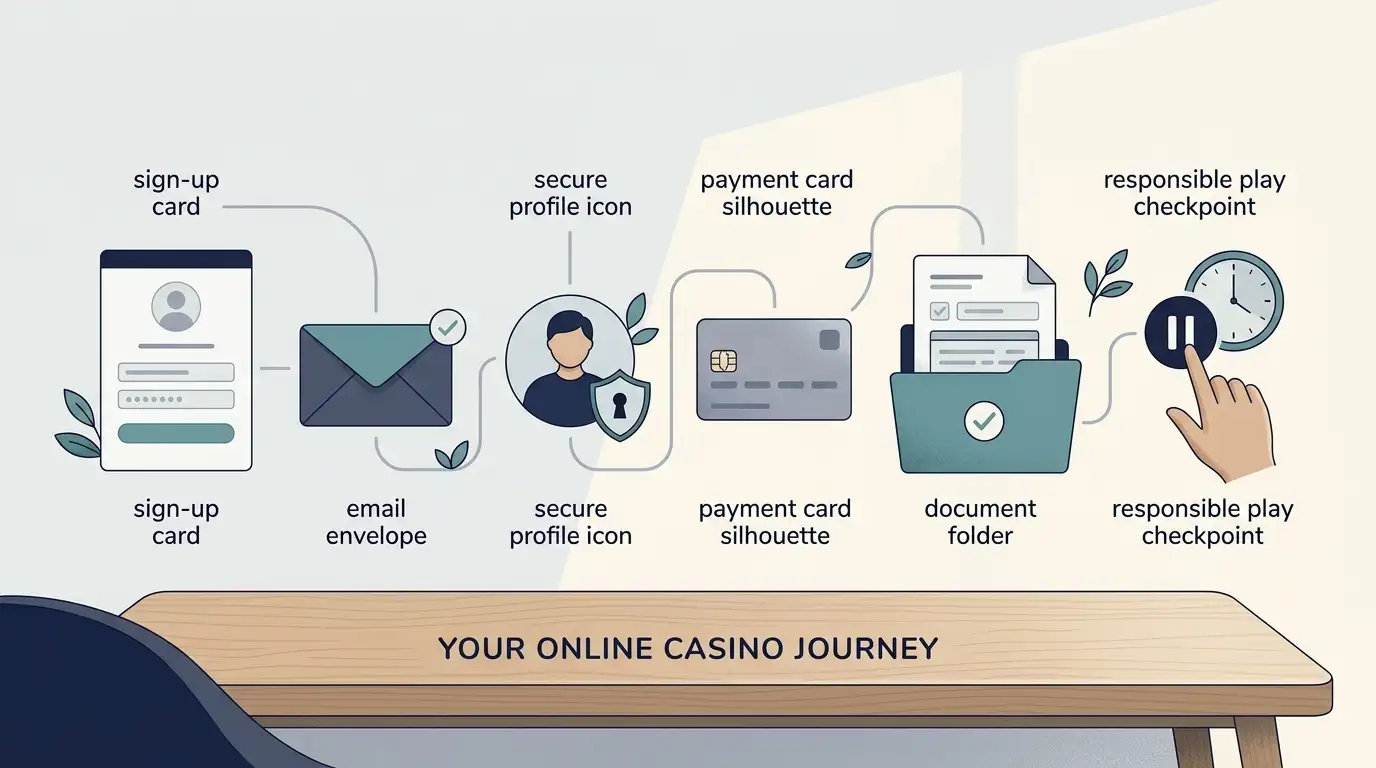
The registration guide explains the account setup sequence, including the sign-up form, landing on the deposit page and welcome email described by the SpinShark FAQ. Mobile registration should be treated as the same account journey in a smaller screen, not a shortcut around identity, age or payment-owner checks.
Games on a mobile screen
SpinShark’s game mix includes slots, table games, live casino games, jackpots and crash games. On mobile, the question is less about whether those categories exist and more about how quickly you can find a suitable game without mis-tapping filters, bonus buttons or bet controls. A good mobile session starts with the lobby search and game categories, not with a real-money bet.
For slots, use the games and providers guide first, then move to the slot library guide if your focus is reels, features and UK slot context. Mobile slot play also needs the same attention to stake size, session breaks and game contribution rules as desktop play. A smaller screen can make repeated spins feel faster, so set limits before the first deposit rather than after a losing run.
Live casino needs a separate test. Stream quality, table layout, chat placement and bet-confirmation buttons can feel different on a phone. If live dealer play is the priority, open the SpinShark live casino page before relying on a mobile shortcut as your main route.
Mobile payments and withdrawals
The official terms list GBP, EUR, USD and selected crypto currencies for the account and payment journey. They also state a £20 fiat deposit minimum, a £20 fiat withdrawal minimum, crypto minimums, a 3x deposit-wagering rule before withdrawal, and bank-transfer payouts processed within 5-7 banking days. Those rules apply to the account, not to the screen size.
On mobile, the cashier check is mostly about clarity. Can you see the selected currency? Does the method belong to you? Does the bonus status show before you pay? Are any fees or bank-transfer notes visible before you confirm? If the answer is unclear, stop and use a larger screen or contact support before sending funds.
The SpinShark payments guide gives the broad method and currency picture, while the payout limits page explains why mobile cashout expectations need exact limits, KYC and bank-transfer timing beside them.
KYC and documents from a phone
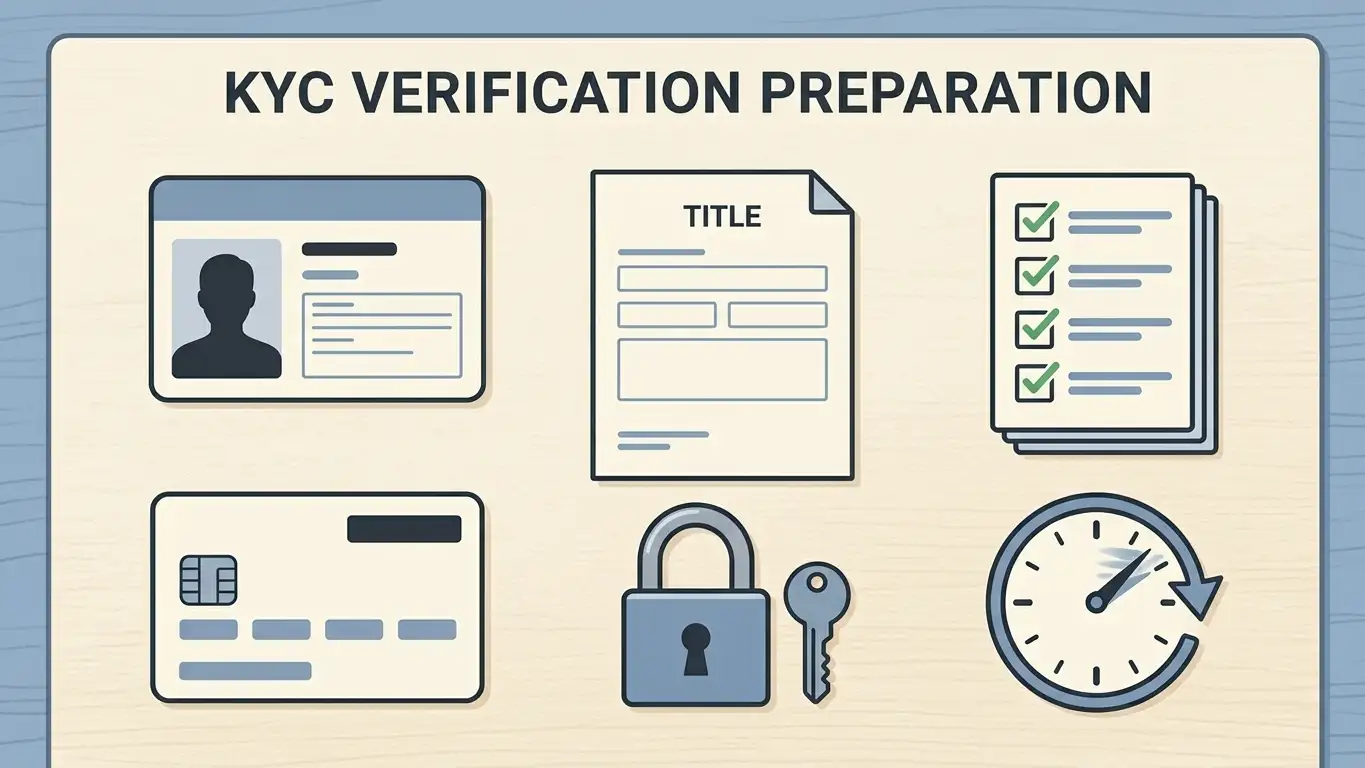
SpinShark can require identity and payment-method verification. Its terms refer to ID, payment-system details, utility bills and, in some cases, video verification. The FAQ route points to My Account and then Documents for requested uploads and status checks.
A phone can make document capture easier, but it can also create poor-quality files. Before uploading, check that all four corners of the document are visible, the image is not blurred, the address or payment-owner detail matches the account, and no irrelevant personal data from other people appears in the frame. Do not send documents through unofficial messaging channels or app-download pages.
Because no exact verification processing time is verified here, the practical advice is to keep documents ready before cashout. The full document checks page should be read before treating mobile play as friction-free.
Support and account messages on mobile
SpinShark support is recorded as 24/7 live chat in the fact bank. On a phone, live chat is useful only if the chat window does not cover the cashier, document upload control or bet-confirmation area. When asking about a payment or verification issue, save the transaction ID, date, amount, method and any visible account message before opening chat.
Keep support as evidence, not as a replacement for terms. If a chat answer conflicts with the terms, take a screenshot and ask for clarification before taking the next step. For trust-sensitive issues such as licence status, complaint routes or local UK checks, use the SpinShark safety guide rather than relying on mobile marketing claims.
App safety: what to avoid
- Do not download a SpinShark APK from a third-party website.
- Do not assume a similarly named App Store or Google Play listing is the casino.
- Do not enter login or payment details into a page reached from a pop-up advert.
- Do not allow a browser shortcut to hide the domain from your checks.
- Do not use mobile play to bypass spending controls, self-exclusion decisions or cooling-off plans.
This safety advice is not anti-mobile. It is the right way to use a browser-first casino. The mobile site can be convenient, especially for checking balances, browsing games or reading account messages, but convenience should not remove the normal checks you would make on desktop.
Device-readiness checklist
Screen and orientation
Test portrait and landscape before playing live casino or table games with small controls.
Connection
Use a stable private connection, especially before deposits, withdrawals or live games.
Storage and screenshots
Keep enough storage for document photos and payment records, but do not store passwords in screenshots.
Limits
Set personal spending and time boundaries before opening the cashier.
Recovery route
Make sure you can still sign in from desktop if the phone is lost, broken or unavailable.
Mobile FAQ
Source checks used for this page
- Official SpinShark website
- Official SpinShark terms and conditions
- SpinShark mobile-version page describing browser and PWA access
- SpinShark sign-in page with mobile registration and PWA wording
Learn more about spinshark on our main page.
You may also find SpinShark Payment Methods UK interesting.
Prepared by the Spinshark editorial staff.